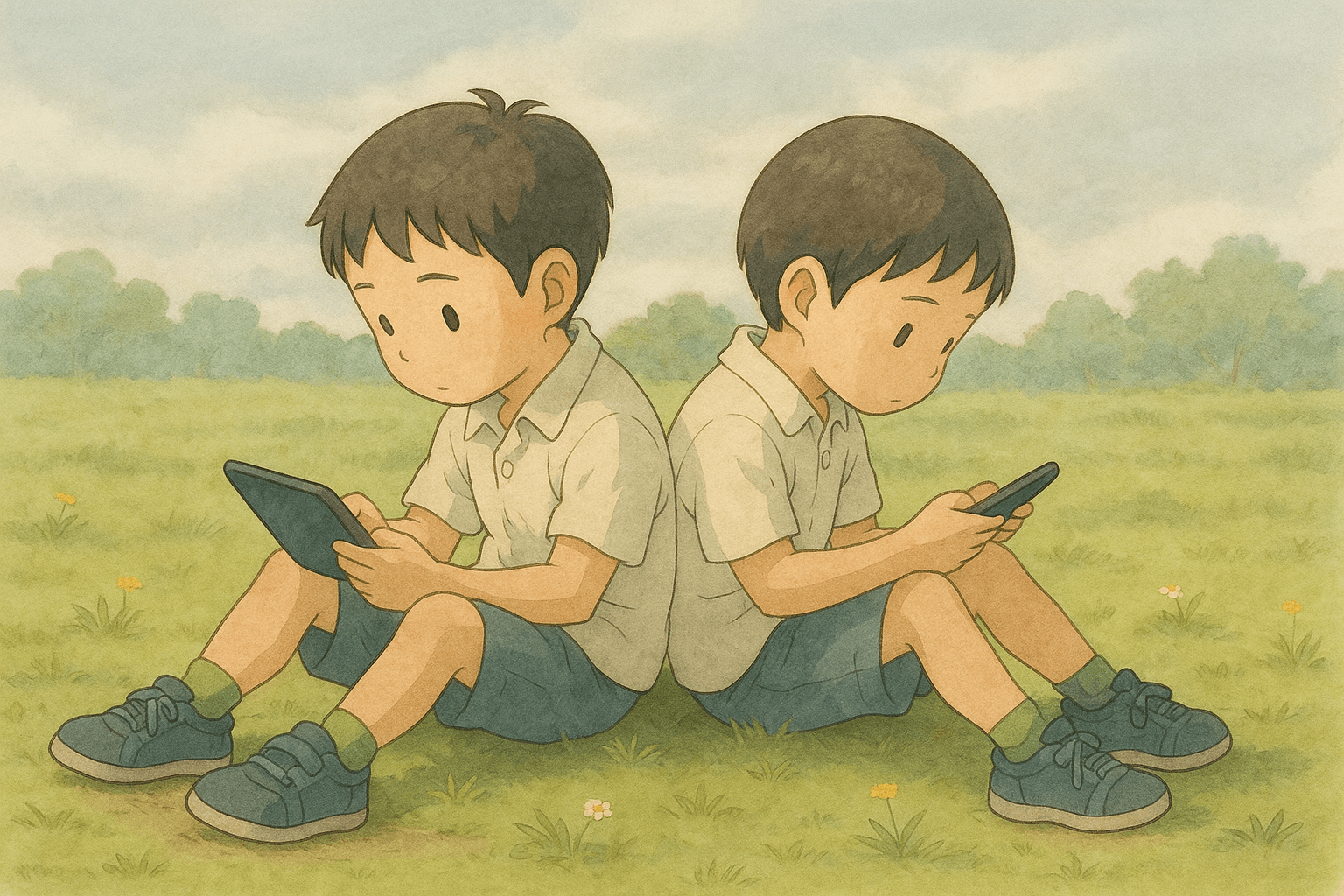
AI is increasingly a “black box” that can short-circuit learning, as children are increasingly exposed to AI tools and AI-generated content from an early age. Yet we want young learners to build a creative, reflective relationship with it. Our team treats AI as a material (among many) for thinking and making, not just an answering machine. We wanted to combine Design Thinking (creative courage, reflection-in-action, iteration) with Computational Thinking (problem decomposition, step-by-step logic), and break the screen barrier to empower children to do more with technology beyond passive consumption.
Alexandra Primary School became a natural partner as it wants to make D&T and STEM learning an extra-curricular activity they are known for.
help young learners form a healthy relationship with AI while promoting creative expression and developing competencies in design thinking, computational thinking and STEAM?
STEAM stands for Science, Technology, Engineering, Art and Math
/tl;dr
/process
The project was conceived and led by Dr. Clement Zheng (Interactive Materials Lab) to create an age-appropriate AI + creative-computing experience that blends design thinking, computational thinking, and physical making. I supported as Product/UI Designer & Workshop Facilitator, translating the brief and early prototypes into interface designs and workshop narrative.
/benchmarking
I began by benchmarking the existing technology platforms children were using in school for such programmes as well as prior research on AI for teaching programming to kids.
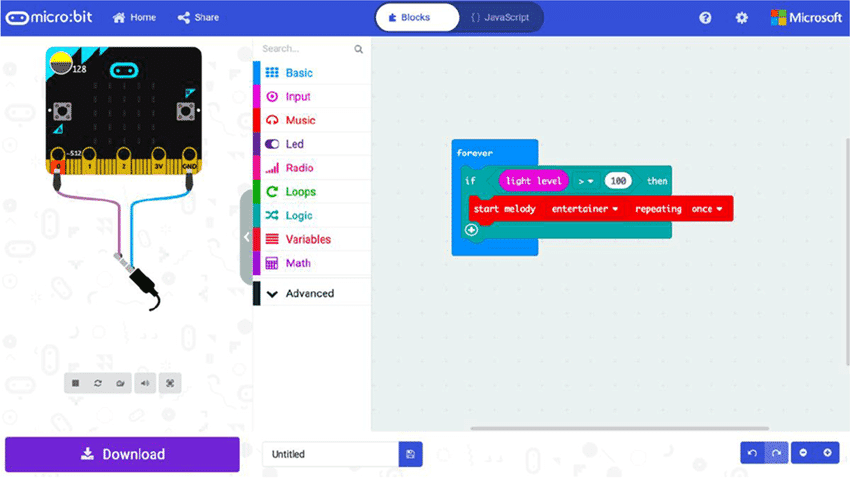 Micro:bit MakeCode | 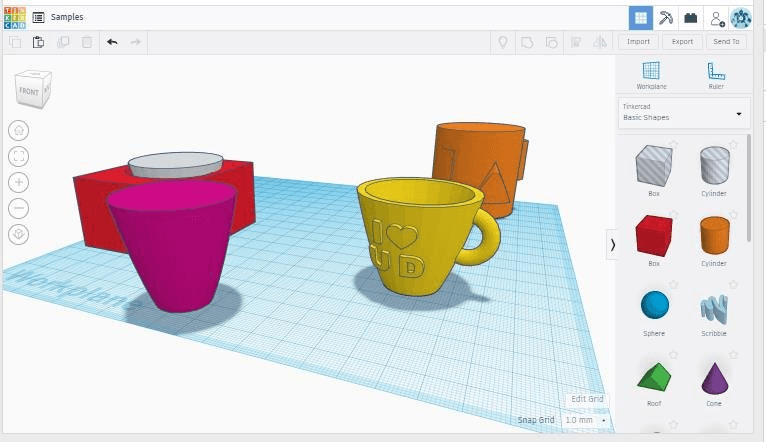 TinkerCad |
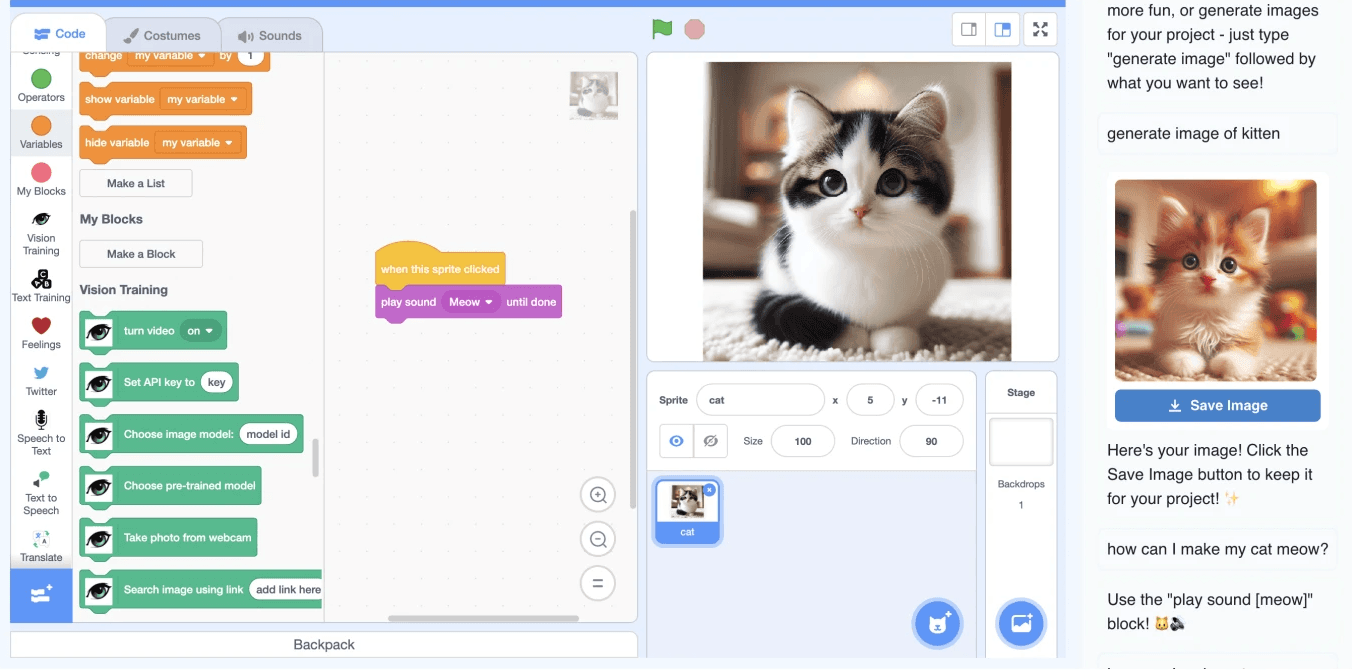
Cognimates LLM chat user interface for Scratch by Druga & Ko, 2025
I also referenced low-code tooling platforms for vibe-coding that were targeted towards adults.
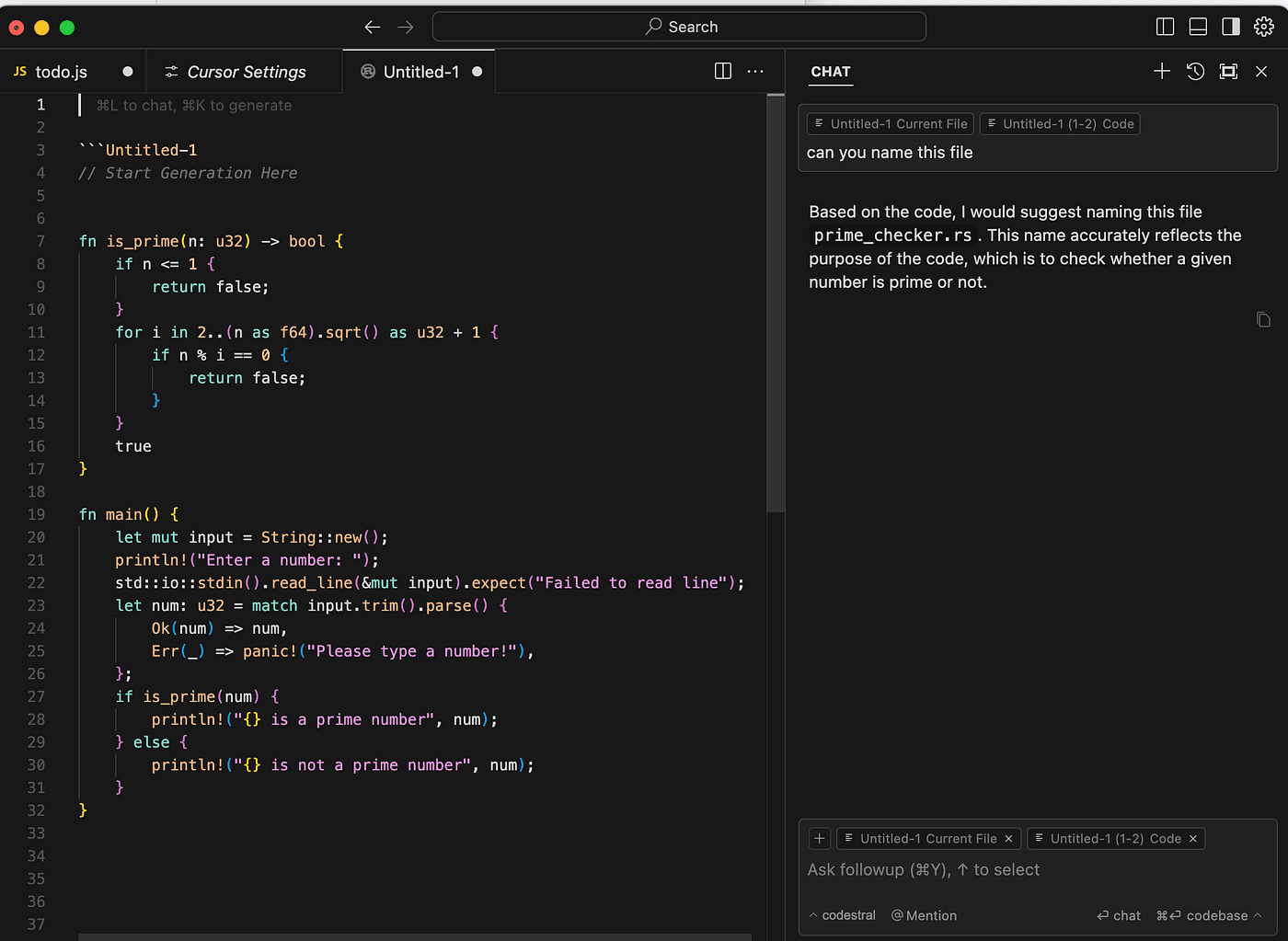 Cursor IDE | 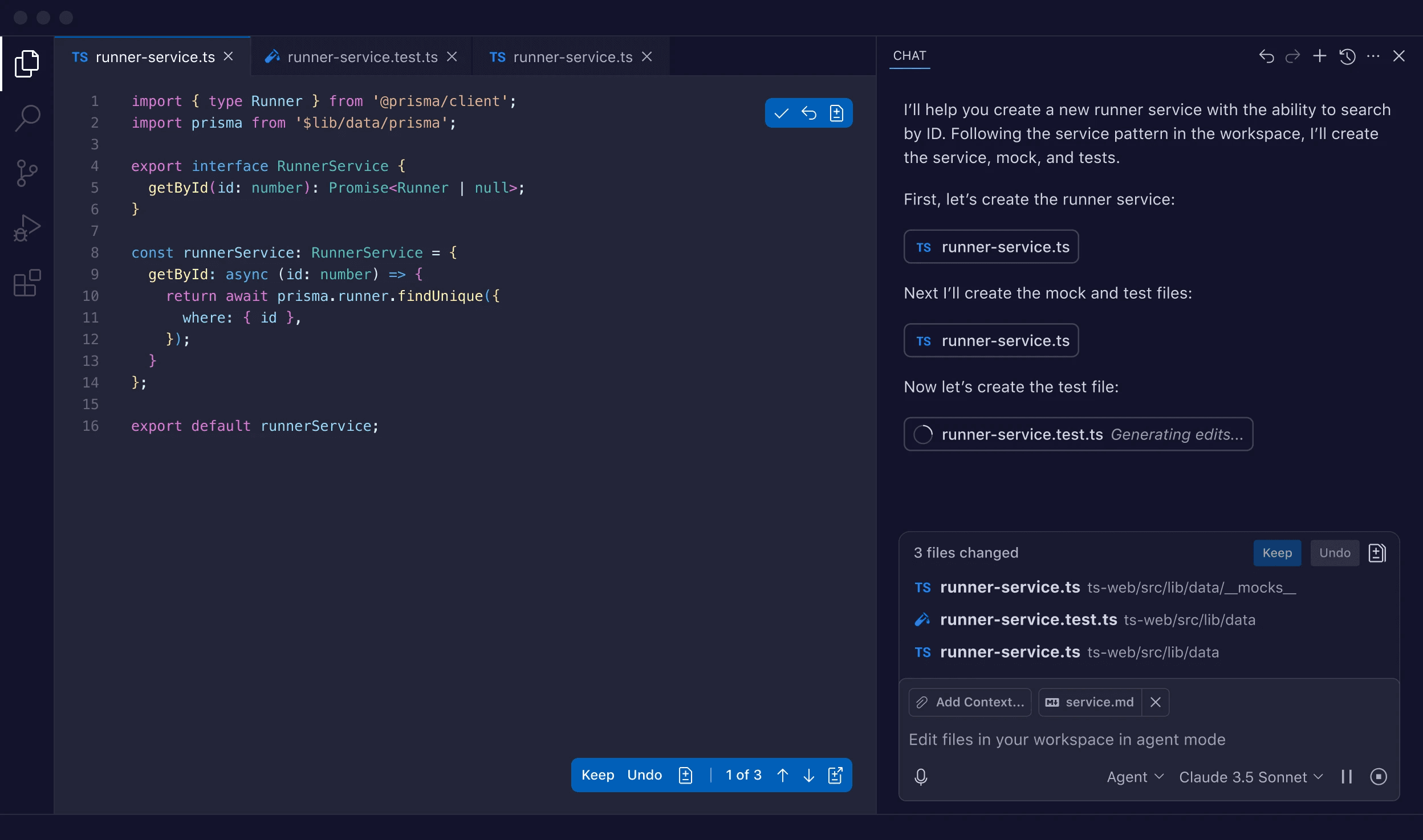 Copilot |
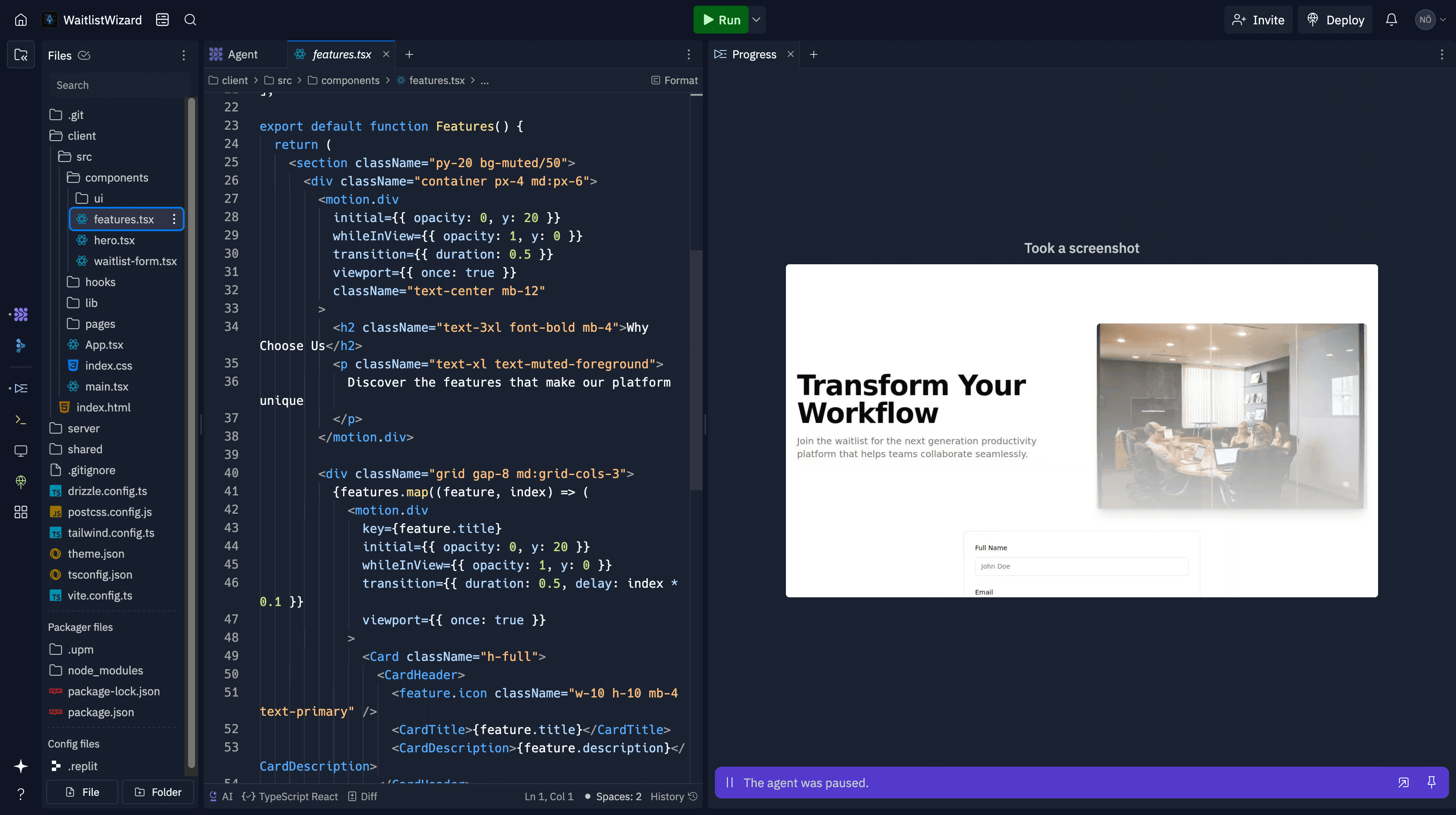 Replit | 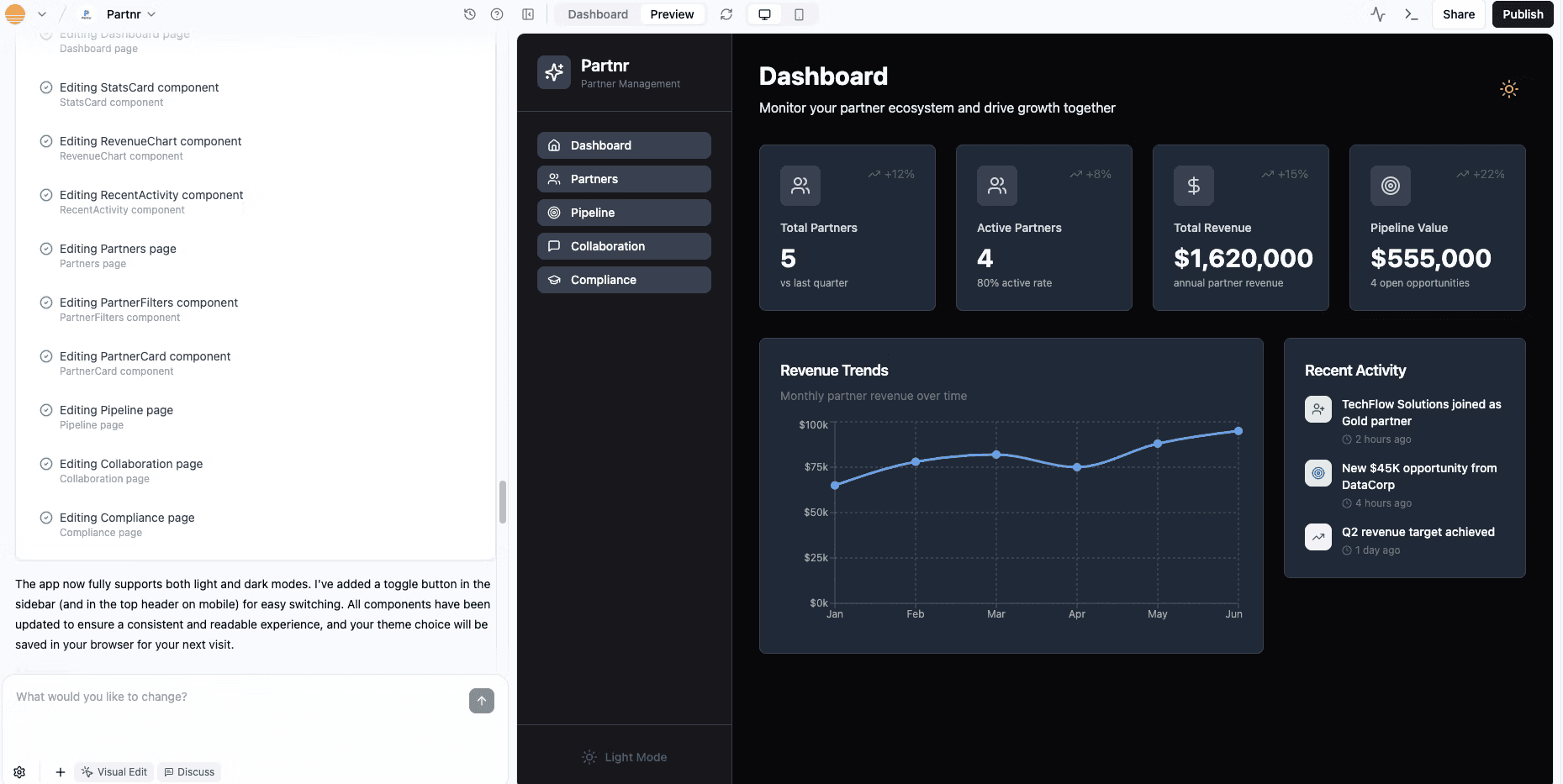 Base44 |
/insights
I noticed UI patterns emerging in this nascent space and these influenced my decisions in the design of the Hocus Pocus tool.
Panel priority matters
Multi-panel layouts varied by product intent—code-forward tools like Cursor and Copilot put the editor left; while beginner/low-code tools like Replit (which we built Hocus Pocus with) and Base44 led with agent chat on the left panel.
When the AI tool is on the left, it takes on an agentic style of interaction whereas when it appears on the right, the AI functions more as an assistant.
I set the left panel as the primary task area for text input, with the supporting code editor view on the right, so users always anchor on the actionable areas and are not intimidated by the code.
Chatbot vs. step-by-step
Most AI helper tools were chat-centric which was good for open-ended exploration or when the user has prior understanding in order to achieve the desired task. But in the workshop setting, I posited that it would be easy for kids to be distracted by this secondary facilitation.
We thought long and hard about whether to implement a chat-based system but decided against it since it was meant to be deployed in a workshop setting where the facilitation would be sufficient and the rigid step by step structure was actually beneficial to keeping the workshop focused and on-task
Bound the level of AI help
Without explicit guidance, kids self-sort across a spectrum, from using AI to learn to letting it “do their homework.” (AI Assessment Scale)
We made the explicit decision for this workshop that AI does not generate ideas so that the children can exercise their creativity, which was a goal of the workshop. AI instead supported them in realising their ideas into steps and code.
Tabbed scaffold
Idea → Instructions → Effect that aligns to the workshop narrative.
Flexible navigation
Kids can jump between tabs to refine ideas seamlessly.
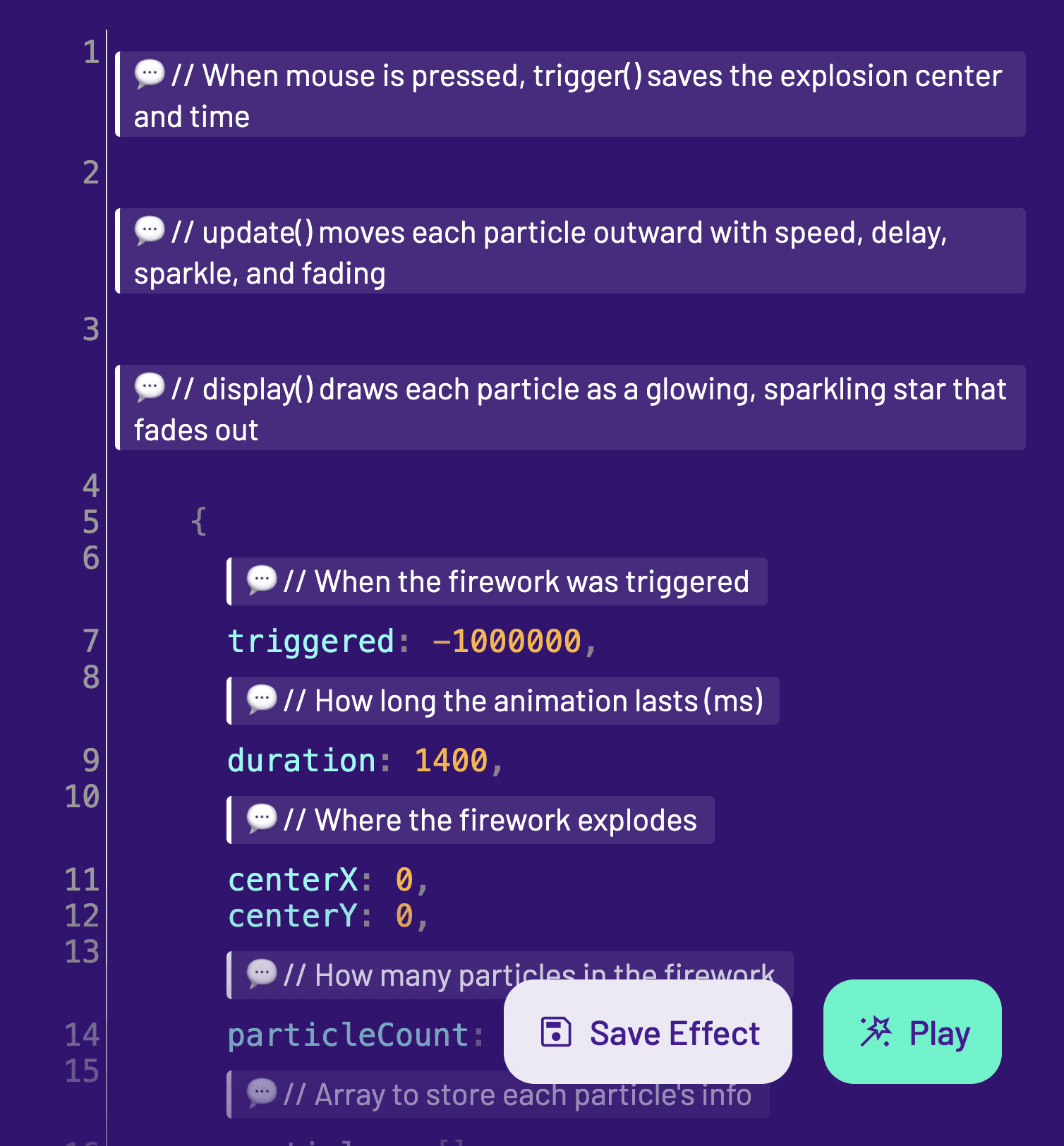
Kid-friendly code
Code comments explain the structure in pseudocode and highlight changes so kids can follow along.
Spellbook
Magic-themed Save, Export, and Import creations, practical for use at home or in class.
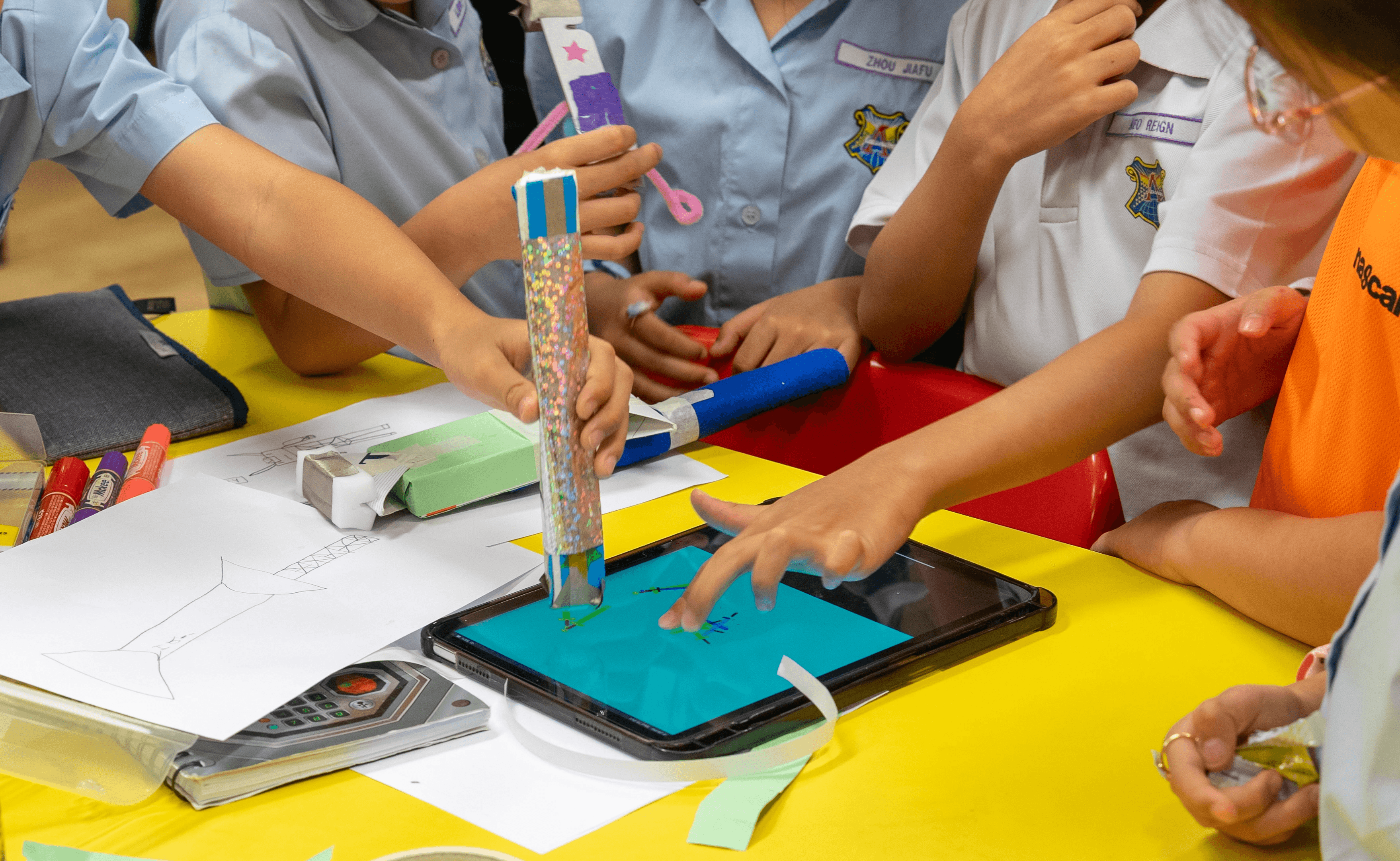
Physical wand-making
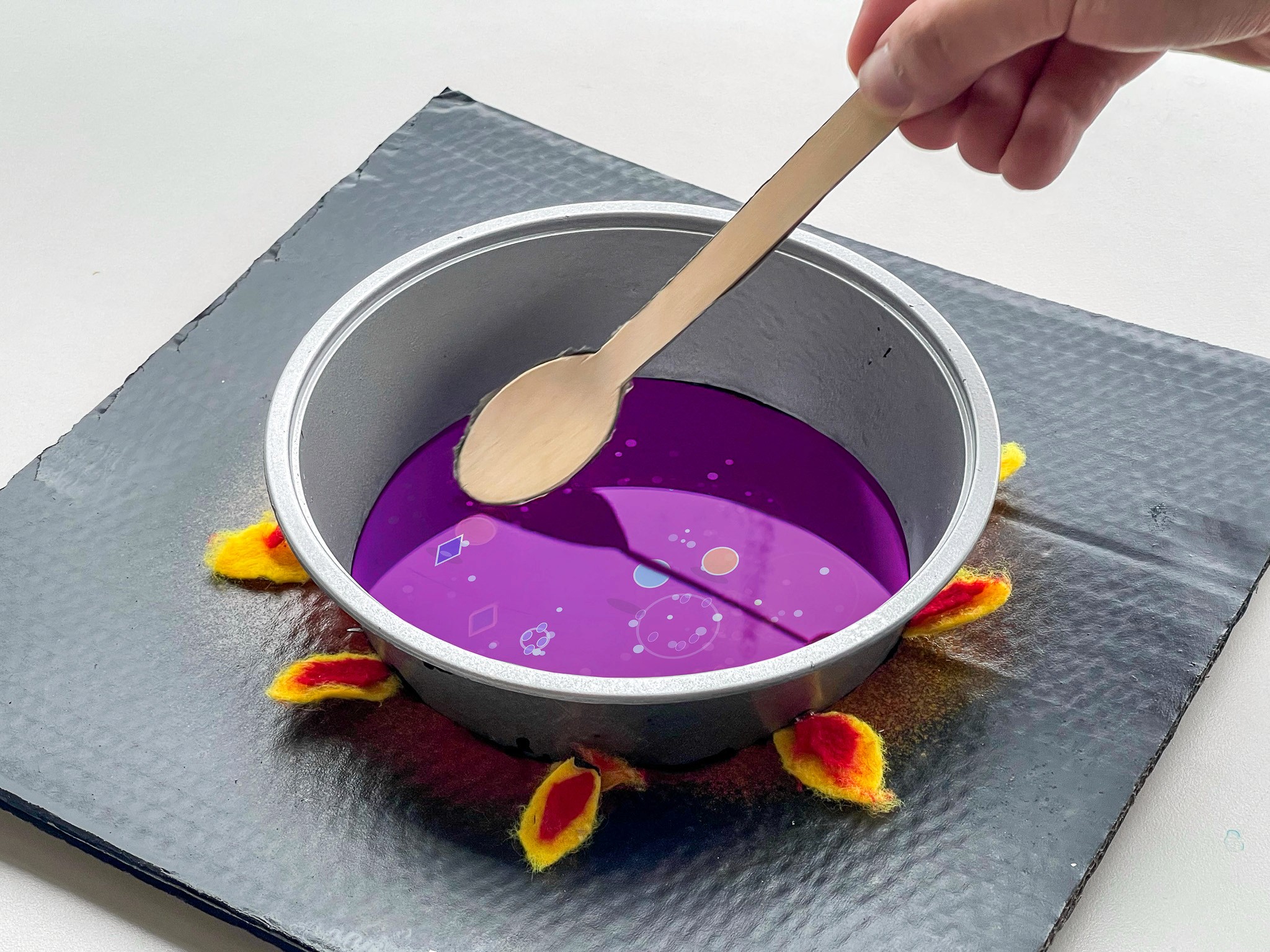
Conductive silver tape + sponge used to make magic wands that defamiliarise the screen interaction.
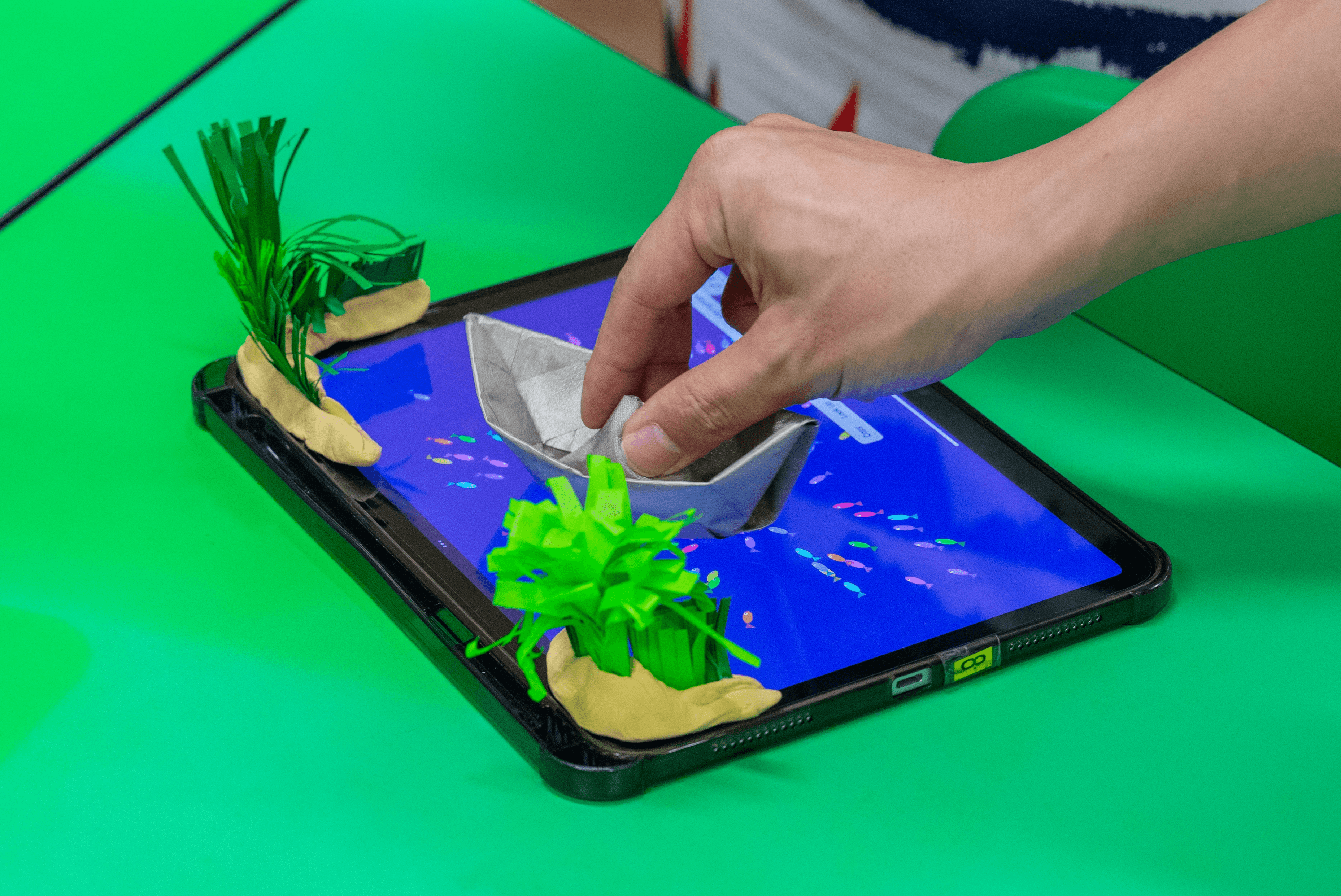
Diorama making
Pair digital effects with a simple physical scene so interactions live in the real world, not just on-screen.
/workshop
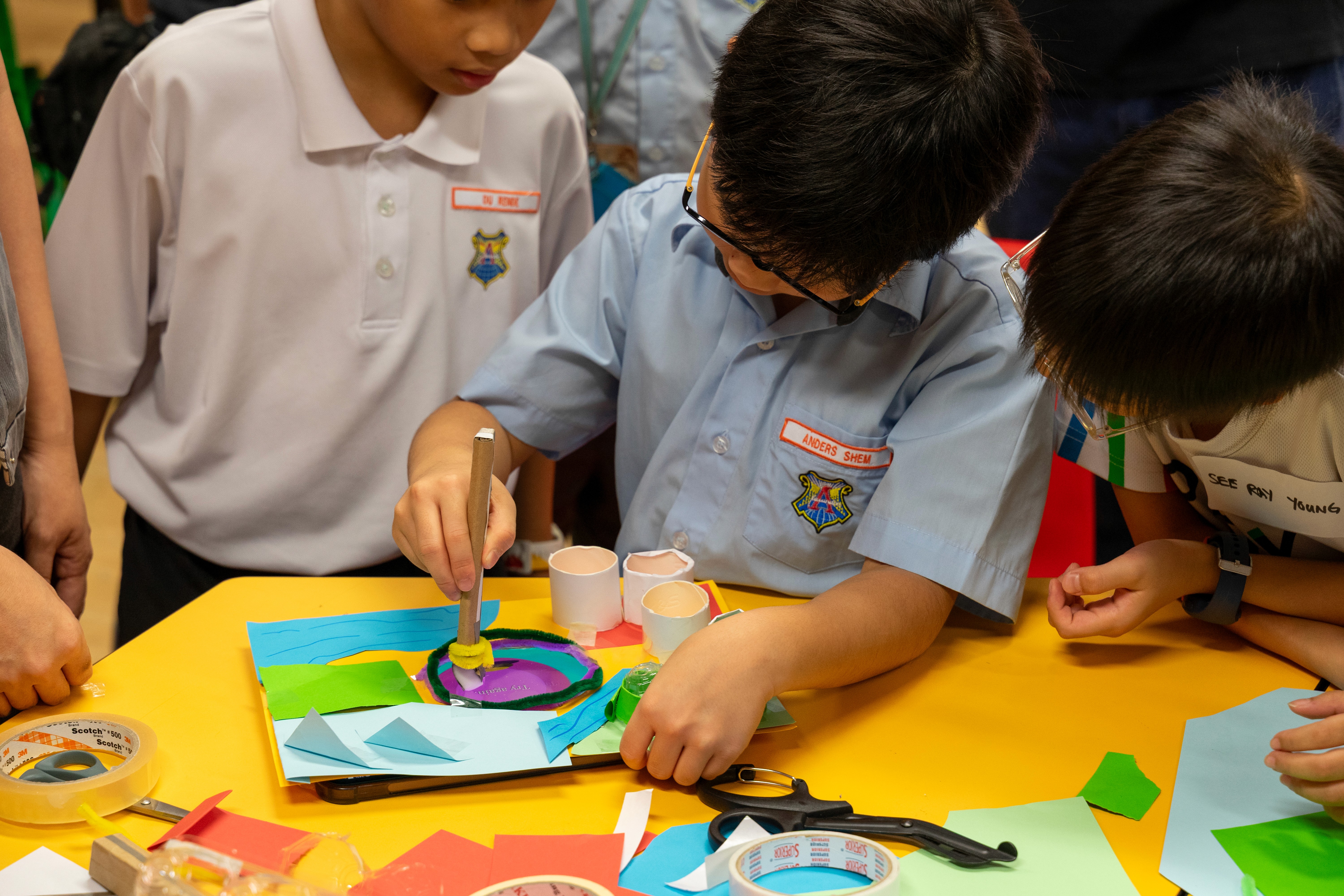
We ran two sessions at Alexandra Primary School’s Tinkerlab, working with 17 parent–child pairs in total. Interest was higher than expected, gathering over 60 sign-ups for an initial 10 slots in the first session, so we worked with the school to open a second session.
Each session started with a short brief: children chose a “superpower”, sketched it out, and shared it with the class. From there, they moved through the Hocus Pocus webapp to tell a story of their superpower through an interactive effect. Parents played a supportive role in helping students spell out their ideas in English which was challenging for some younger kids who had yet to master spelling.
We then changed up the digital-making flow with a hands-on wand-making activity using conductive tape and a sponge to create a stylus. Students were encouraged to decorate theirs to match their chosen power. The rest of the time was free-and-easy making—building dioramas, testing effects, and polishing their creations.
At the end, each team shared their creation in a playtesting session before Clement gave a closing speech unravelling the black box of the Hocus Pocus system which was driven by AI. Students were prompted to ponder about what makes a good prompt, the ethics of AI as well as how they might use it productively for learning.
"It's nice to see that AI can be used to help the children write codes. The children may not know where to start, and AI can perhaps help to build the main structure of the codes from which they can be further refined and worked upon." - Parent
"It showed me how AI can make learning more fun and creative. The workshop reinforced this idea and helped me see more ways AI can support a child’s learning journey." - Parent
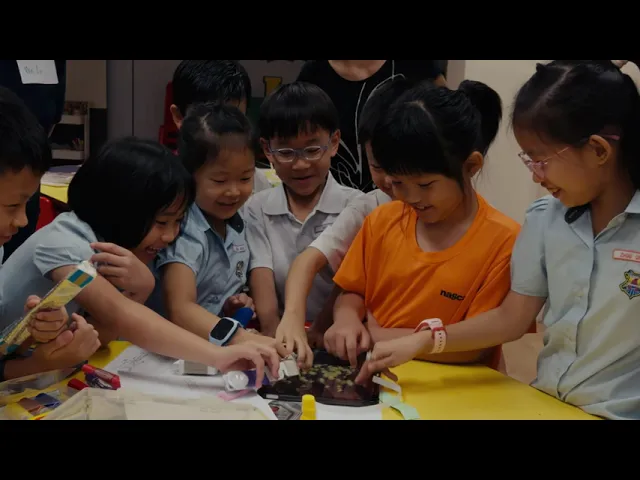
Parents described the session as a great bonding session with their child and appreciated that the tool made computational thinking accessible to kids without expecting full programming skills. Several mentioned that the combination of screen and physical making kept their child engaged.
/conclusion
We shared the work with educators at the Design Education Summit 2025. The summit workshop was led by Dr. Clement Zheng and I supported by demoing the app, troubleshooting, and checking in with groups. The response from teachers was encouraging: many were curious about how the programme makes AI accessible for younger learners and how the traditional teaching could be enhanced with such tools. Interest is ongoing, and further collaborations are in the works.
Check out the prototype!